
When choosing wireless security cameras, focus on ensuring strong Wi-Fi coverage in your installation areas and consider cameras with reliable power options, like battery or PoE, to suit your setup. Prioritize high resolution—1080p or higher—for clear images, but keep in mind this impacts bandwidth and storage needs. Proper planning for placement and connectivity can prevent issues, and if you want to explore more about making the right choice, there’s plenty more to learn.

Turn the school run and nap time into listening time
- Thousands of audiobooks, podcasts and originals
- Listen on your phone, tablet or Echo — also offline
- Cancel anytime
Key Takeaways
- Assess Wi-Fi signal strength and consider extenders or wired options for reliable connectivity.
- Determine power needs, choosing between battery-powered or wired PoE cameras based on installation ease.
- Opt for at least 1080p resolution to ensure clear footage for identifying details like faces or license plates.
- Plan for sufficient bandwidth and storage capacity to support high-resolution video and retention periods.
- Consider camera placement for easy maintenance access, especially in hard-to-reach or high locations.
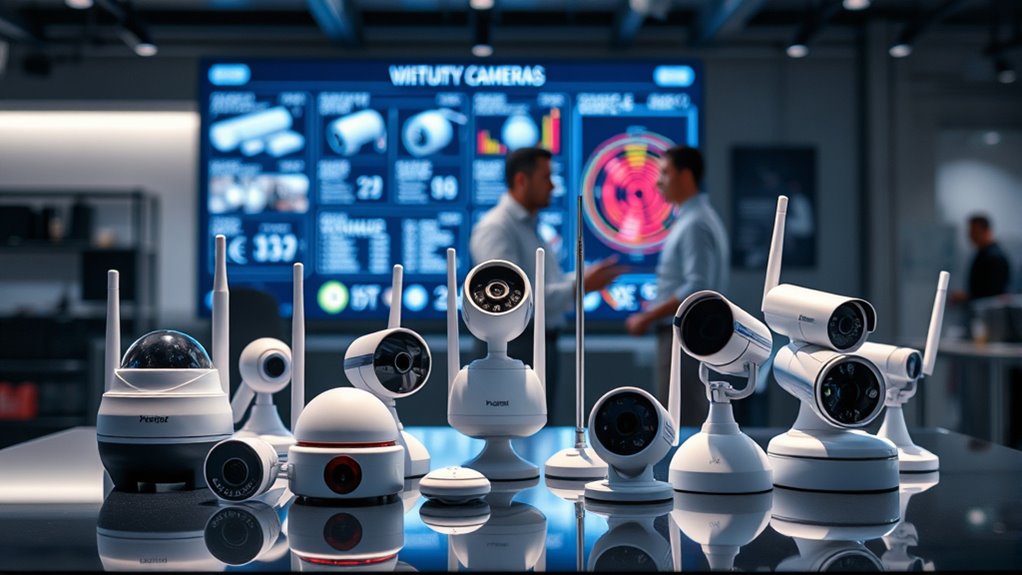
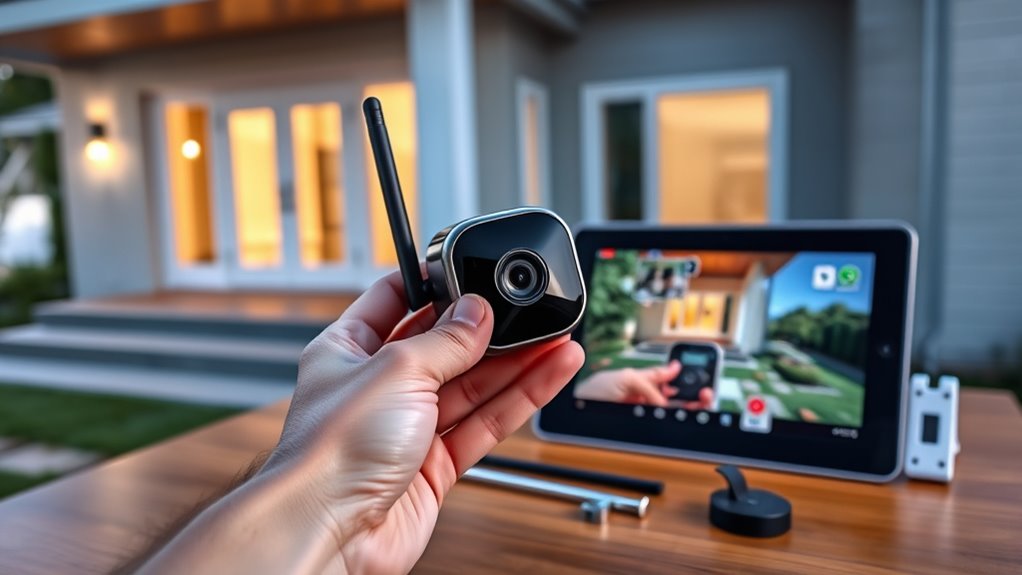
Wireless security cameras have become an essential tool for safeguarding your home or business, offering a flexible and easy-to-install surveillance solution. However, before you jump into the world of wireless security, it’s important to understand some key factors that can impact your setup. One of the first considerations is installation challenges. While wireless cameras are designed to be straightforward to install, they aren’t completely free of obstacles. You’ll need to consider factors like Wi-Fi signal strength, power sources, and mounting locations. If your Wi-Fi signal is weak in certain areas, cameras may experience connectivity issues or dropouts, which compromise their effectiveness. Positioning your cameras in spots with strong, stable Wi-Fi is crucial. Additionally, some cameras require power outlets nearby or batteries that need regular replacement, adding to the logistical planning. You might find that installing cameras on higher or hard-to-reach spots can be tricky, especially if you’re doing it alone. These challenges can be minimized with proper planning—using Wi-Fi extenders, choosing cameras with longer battery life, or opting for models with PoE (Power over Ethernet) options if you’re open to wired setups. Recognizing the importance of wireless connectivity can help prevent common issues related to signal interference or instability. Another critical aspect to consider is camera resolution. A higher resolution means clearer images, which are vital when identifying faces, license plates, or other important details. Low-resolution cameras might save you some money upfront, but they often produce grainy footage that can leave you guessing in critical moments. When selecting your cameras, aim for at least 1080p resolution for the best balance of clarity and performance. Some advanced models offer 4K resolution, providing incredibly detailed footage, but keep in mind that higher resolution cameras require more bandwidth and storage. That means your Wi-Fi network needs to be robust enough to handle the data load, and your storage system should have enough capacity to retain footage over time. Additionally, higher-resolution footage can strain your internet connection during live viewing or remote access, so it’s essential to ensure your network infrastructure can support these demands.
As an affiliate, we earn on qualifying purchases.
Frequently Asked Questions
How Do I Update the Firmware on My Wireless Security Camera?
To update your wireless security camera’s firmware, first access its settings through the app or web interface. Look for firmware update procedures and follow the prompts to download and install the latest version. If you encounter troubleshooting update issues, make certain your internet connection is stable, restart the camera, and try the update again. Keep your device plugged in during the process to prevent interruptions and ensure a smooth firmware update.
What Is the Typical Lifespan of Wireless Security Cameras?
Wireless security cameras typically last around 3 to 5 years, depending on usage and build quality. Battery life plays a key role; rechargeable batteries may need replacement or recharging every few months. To extend their lifespan, you should follow a consistent maintenance schedule, including regular cleaning and firmware updates. Proper care guarantees your camera stays functional longer, providing reliable security for your home or business.
Are Wireless Cameras Suitable for Outdoor Use in Harsh Weather?
Wireless cameras with weather resistance and high camera durability are suitable for outdoor use in harsh weather. You might worry about exposure to rain, snow, or extreme temperatures, but many models are designed to withstand these conditions. Look for cameras with an IP66 or higher rating, ensuring they’re protected against water and dust. This way, you can confidently monitor your property year-round, regardless of weather challenges.
How Do I Disable Notifications on My Security Camera?
To disable notifications on your security camera, access your app’s notification management or camera alert settings. Usually, you’ll find these options in the device settings menu. Turn off or toggle the alerts to stop notifications from appearing. Make sure to save your changes. This way, you won’t get disturbed by unnecessary alerts, and you can customize your notification preferences to suit your needs.
Can Wireless Cameras Be Integrated With Smart Home Systems?
Imagine you’re living in a sci-fi movie—your wireless cameras can seamlessly integrate with your smart home system. Yes, they’re designed for smart home integration and wireless compatibility, so you can control your cameras through apps or voice commands. Just make certain your devices are compatible, and you’ll enjoy centralized security management. This setup allows you to monitor and automate your home effortlessly, making your security smarter and more efficient.
Conclusion
Choosing a wireless security camera is a smart move for your home’s safety. Some worry about Wi-Fi disruptions, but many models offer reliable connections and backup options. Rest assured, with proper placement and a strong network, you’ll enjoy clear footage and peace of mind. Don’t let fears hold you back—investing in a quality camera is a simple step to protect what matters most. Secure your space today and enjoy worry-free monitoring.
Fall Picks
fall essentials
As an affiliate, we earn on qualifying purchases.