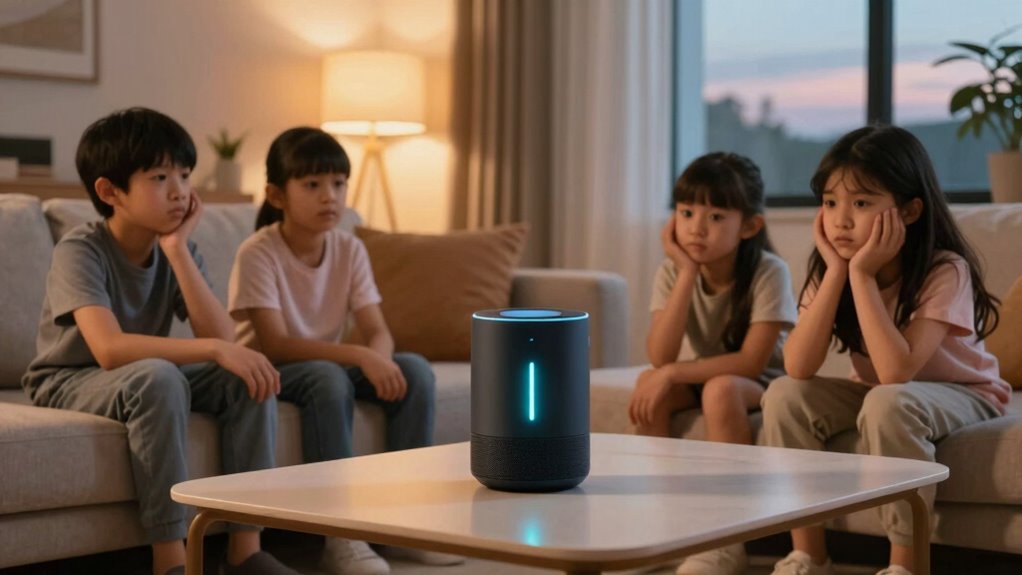

You love how smart home voice recognition makes controlling lights, temperature, and music simple with just your voice. It creates a seamless and efficient environment that saves energy and time. However, when the devices become too chatty — offering unsolicited suggestions or responding unnecessarily — it can quickly become frustrating. Managing responsiveness and adjusting settings can help restore calm. If you keep exploring, you’ll discover ways to balance convenience with a peaceful home experience.

Turn the school run and nap time into listening time
- Thousands of audiobooks, podcasts and originals
- Listen on your phone, tablet or Echo — also offline
- Cancel anytime
Key Takeaways
- Users appreciate voice control but dislike excessive responses and unsolicited feedback from devices.
- Over-communication can disrupt the peaceful home environment and cause frustration.
- Proper configuration and sensitivity adjustments help reduce unnecessary chatter.
- Balancing automation benefits with minimizing device responses improves user experience.
- Managing system settings is essential to prevent voice assistants from becoming intrusive.
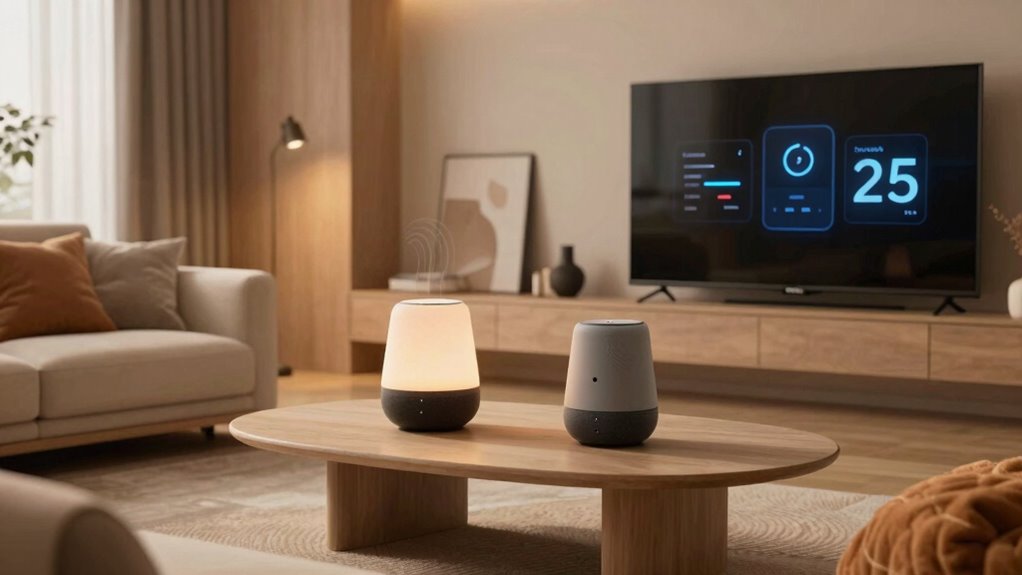
Imagine walking into your home and having everything seamlessly respond to your needs—that’s the magic of the smart home feature people love most. With voice recognition technology, you can control lights, adjust the thermostat, play music, and even lock doors—all with simple commands. It feels like having a personal assistant right there with you, making daily routines easier and more convenient. You no longer need to fumble for switches or hunt for remote controls; just speak, and your home adapts effortlessly. Plus, this hands-free control isn’t just about convenience; it also promotes energy efficiency. By giving voice commands, you can easily turn off unused appliances or dim lights when not needed, reducing unnecessary energy consumption and saving money on bills.
However, as much as you appreciate the convenience and energy savings, you may start to notice your smart home becoming a bit too chatty. The devices, enthusiastic to assist, often respond to every prompt or even to background conversations, sometimes offering unsolicited suggestions or feedback. It’s like having a conversation with a well-meaning but overly talkative assistant who just can’t keep quiet. While the voice recognition system aims to make interaction seamless, it can sometimes misinterpret your tone or words, leading to unintended responses. Suddenly, you find yourself repeatedly correcting or dismissing responses, which can become frustrating. The devices might even trigger when you didn’t intend them to, turning on lights or playing music at inopportune moments. This over-enthusiasm can quickly turn from helpful to intrusive.
You might also notice that the constant chatter diminishes the sense of calm that a quiet, peaceful home once provided. Instead of relaxing, you’re left steering through a barrage of notifications and responses from your devices. The Proper configuration can help prevent this overload and restore balance to your environment. Adjusting the sensitivity and responsiveness of your smart devices can also reduce unnecessary interruptions and maintain a peaceful home environment. The balance between helpful automation and excessive chatter becomes tricky to maintain. Some systems allow you to adjust settings, but it takes effort to find the right level of interaction. Additionally, understanding the limitations of voice recognition can help manage expectations and improve overall experience. In the end, what was meant to be a helpful feature can feel overwhelming, especially if you prefer a quieter environment. While voice recognition and energy efficiency make smart homes attractive, it’s essential to manage how much your devices talk back. Otherwise, the very features designed to simplify your life can end up making your home feel a little too chatty.
Products Worth Considering

Philips Hue Festavia 130-Foot Indoor/Outdoor Smart String Lights, 500 LEDs

Bose TV Speaker Compact Soundbar with Bluetooth and HDMI-ARC, Black

Sonos Era 100 SL Compact Microphone-Free Speaker, White
As an affiliate, we earn on qualifying purchases.
Frequently Asked Questions
How Can I Disable the Chatty Notifications on My Smart Home Device?
To disable chatty notifications on your smart home device, start by opening the device’s app and steering to notification management. Look for settings related to alerts or notifications, then toggle off or customize the chatty alerts to your preference. If needed, consult device troubleshooting guides for specific steps. This way, you control when and how your device communicates, reducing unnecessary interruptions while maintaining essential alerts.
Are There Privacy Concerns With Smart Home Voice Interactions?
You might worry about privacy with smart home voice interactions, especially when considering data privacy. For example, if your voice data isn’t properly secured, it could be accessed by unauthorized parties or used for targeted advertising. Companies might store and analyze your voice data, raising concerns about surveillance or data breaches. To protect yourself, review privacy settings, understand how your data is used, and choose devices with strong security measures.
Can I Customize the Voice Assistant’s Response Volume?
Yes, you can customize your voice assistant’s response volume through sound customization options. Many devices allow voice calibration, so you can set the ideal volume levels for responses, ensuring they’re not too loud or too quiet. This way, you control how much the assistant chatty it gets, making your smart home experience more comfortable. Just explore your device’s settings for sound customization and voice calibration to tailor the volume to your preference.
What’s the Best Way to Reduce Unnecessary Notifications?
You can reduce unnecessary notifications by actively managing your notification settings. Don’t let notification overload overwhelm you—adjust app alerts, disable non-essential notifications, and set quiet hours. Many people think they need all alerts, but effective notification management lets you stay informed without constant interruptions. Take control now, and enjoy a smarter, less distracting home environment. Customizing alerts guarantees you get important updates without the noise.
Do All Smart Home Devices Have Voice Control Options?
Not all smart home devices have voice control options, but many do. It depends on device compatibility and whether they support voice recognition technology. Popular brands like Amazon Alexa and Google Assistant work with a wide range of devices, enabling you to control lights, thermostats, and more with your voice. Always check the device specifications to verify they are compatible with your preferred voice assistant before purchasing.
Conclusion
So, while your smart home can feel like a helpful neighbor, it’s easy to get overwhelmed when it starts talking your ear off. Remember, it’s all about finding that sweet spot—like a good neighbor who offers help without overstepping. Keep your settings in check, and you’ll enjoy the convenience without the chatter. After all, too many cooks spoil the broth, so don’t let your smart home turn into a chatterbox that ruins the harmony.