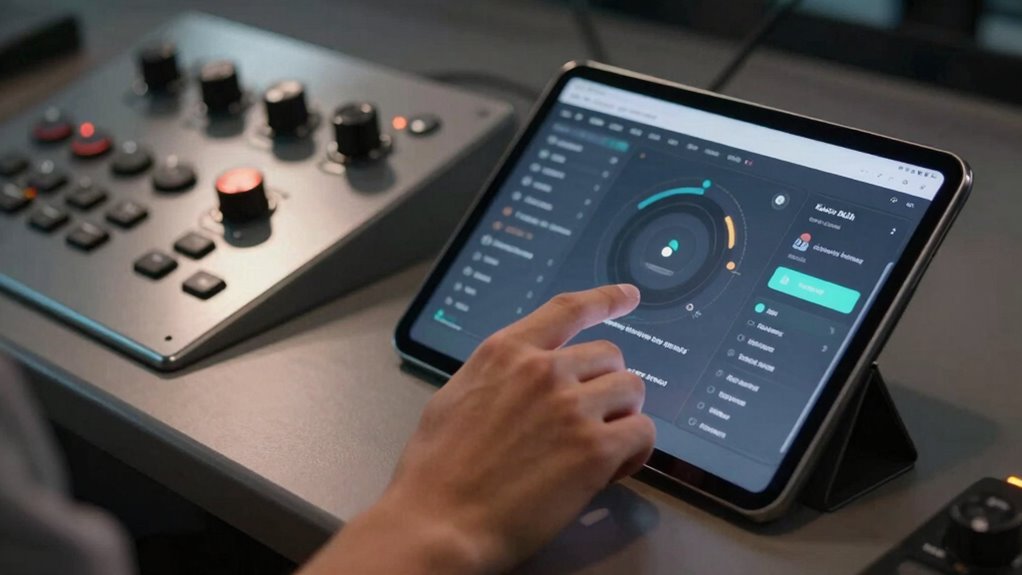

To choose between app control and physical controls, consider how you prefer to interact with your devices and your daily routines. If you value remote access, scheduling, and advanced settings, app control might suit you best. On the other hand, if you prioritize quick, tactile responses or have accessibility needs, physical controls could be more suitable. Your environment and comfort with technology also matter. Explore more details to find the best fit for your lifestyle.

Turn the school run and nap time into listening time
- Thousands of audiobooks, podcasts and originals
- Listen on your phone, tablet or Echo — also offline
- Cancel anytime
Key Takeaways
- Consider your preferred interaction method: remote app control or tactile physical buttons.
- Evaluate accessibility needs, such as voice recognition or ease of use for mobility challenges.
- Assess your daily routines and whether remote scheduling or instant physical response suits you better.
- Ensure device compatibility with existing smart home systems for seamless integration.
- Factor in environmental sustainability and convenience preferences when choosing control options.
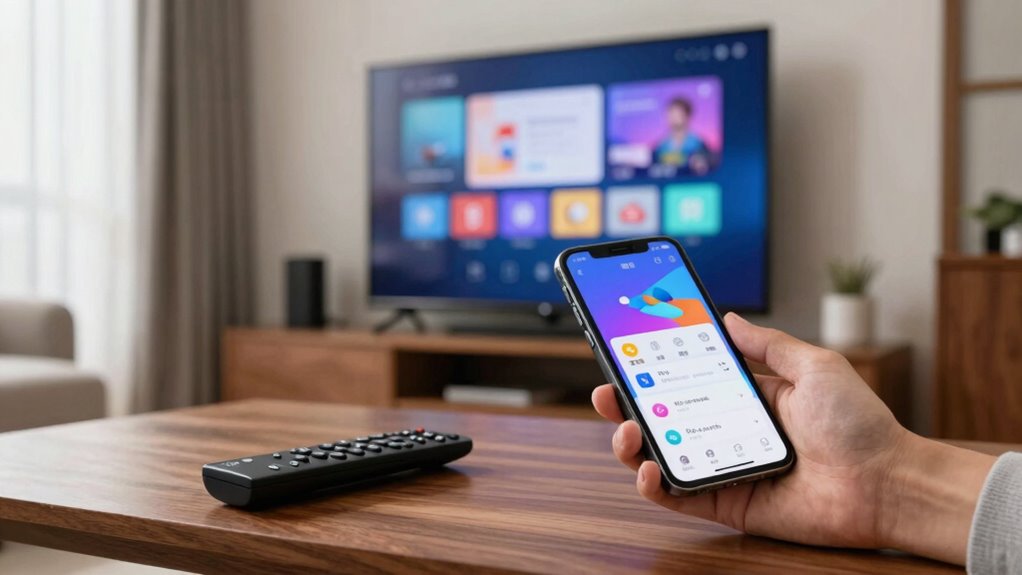
When deciding between app control and physical controls, understanding your specific needs and preferences is essential. Both options have their advantages, but your choice hinges on how you interact with your devices and what features matter most to you. App controls offer flexibility and remote access, allowing you to manage your devices from anywhere using your smartphone or tablet. This convenience appeals if you often forget to turn off appliances or want to adjust settings while away from home. Physical controls, on the other hand, provide tactile, immediate interaction. If you prefer quick, straightforward adjustments without unlocking an app or navigating menus, physical buttons or switches might be more suitable.
Choosing between app and physical controls depends on your interaction preferences and convenience needs.
Voice recognition has become a significant factor in this decision-making process. If voice commands are important to you, especially for hands-free operation, app control integrated with voice assistants like Alexa, Google Assistant, or Siri can streamline your experience. These systems often rely on app-based controls but can also work seamlessly with physical controls that support voice commands. For users with mobility challenges or those seeking enhanced user accessibility, voice recognition offers a way to operate devices effortlessly, eliminating the need for physical interaction altogether. In such cases, choosing an option that supports voice commands natively or through smart home integrations becomes crucial. Accessibility features are increasingly integrated into smart devices to accommodate diverse user needs and improve overall usability.
Your daily routines and environment also influence your choice. If you often multitask or have a busy schedule, app control grants you the ability to customize and monitor your devices remotely. You can set schedules, receive notifications, or adjust settings without interrupting your activities. Conversely, if you prefer a straightforward, no-fuss setup, physical controls may provide more immediate satisfaction—just press a button, and your device responds instantly. Consider how often you’ll need to interact with your device and whether remote access or quick physical adjustments are more valuable for your lifestyle. Additionally, biodiversity considerations are increasingly influencing the design of smart devices, encouraging environmentally responsible choices that align with sustainable living practices. Incorporating eco-friendly options can enhance your overall experience while supporting sustainable living.
Another important aspect is user accessibility. Some individuals may find physical controls easier to use because they don’t depend on navigating apps or understanding digital interfaces. Others might prefer app controls because they often include additional features, such as detailed settings, usage history, or customization options. Think about who will be using the device and their comfort with technology. If accessibility is a priority, look for solutions that combine both approaches—physical controls for simplicity and app control for advanced features. Smart device compatibility also plays a role in ensuring your chosen controls work seamlessly with other devices in your home or workspace.
Products Worth Considering

Philips Hue Smart Light Starter Kit with Bridge and 4 White and Color A19 Bulbs

Philips Hue Festavia 130-Foot Indoor/Outdoor Smart String Lights, 500 Mini Color-Changing LEDs

Levoit Core 600S-P Smart Air Purifier for Large Rooms
As an affiliate, we earn on qualifying purchases.
Frequently Asked Questions
Can App Controls Replace All Physical Controls Effectively?
App controls can replace many physical controls, but they might not always enhance your user experience or provide the same level of tactile feedback. You’ll find that a user interface on an app offers convenience and customization, but in certain situations—like safety or precision—physical controls still excel. Consider the context and your needs; sometimes, combining both options delivers the best user experience, rather than relying solely on one.
Are Physical Controls More Reliable Than App-Based Controls?
Physical controls are often more reliable than app-based controls, especially for critical functions, because they’re less likely to be affected by software glitches or connectivity issues. You’ll find that physical controls provide a straightforward user interface, offering a more consistent user experience. While apps offer convenience, relying solely on them can be risky if your device malfunctions or loses connection—making physical controls a safer, more dependable option.
How Secure Are App Controls Against Hacking?
App controls can be vulnerable to hacking due to cybersecurity vulnerabilities, but strong user authentication methods considerably reduce this risk. You should guarantee the app uses multi-factor authentication and regular security updates. While no system is completely immune, maintaining robust security practices helps protect your controls against cyber threats. Being cautious about app permissions and staying informed about security patches also enhances your defenses against potential hacking attempts.
Do Physical Controls Require Less Maintenance Than App Controls?
Physical controls generally require less maintenance than app controls because they have a straightforward user interface with fewer software components to update or troubleshoot. You’ll find that physical controls offer a more consistent user experience, as they aren’t affected by software glitches or connectivity issues. This simplicity means less downtime, fewer repairs, and less need for ongoing technical support, making them a reliable choice for long-term use.
Which Option Is More Cost-Effective Long-Term?
Choosing the more cost-effective long-term option depends on your needs. App controls might seem cheaper upfront, but consider ongoing costs like updates and troubleshooting. Physical controls, while potentially pricier initially, often require less maintenance, saving you money over time. In the end, the cost comparison hinges on user convenience—if you prefer simplicity and reliability, physical controls might be your wallet’s best friend, even if they seem pricier upfront.
Conclusion
So, whether you prefer the sleek tap of an app or the satisfying click of physical controls, remember: convenience is king, but tactile feedback has its charm. Sure, swiping might be fun until your screen freezes—then you’ll wish you had real buttons. Ultimately, it’s a personal choice, like whether to wear socks with sandals. Embrace what makes you happy, because in the end, control is only as good as what feels right in your hand.