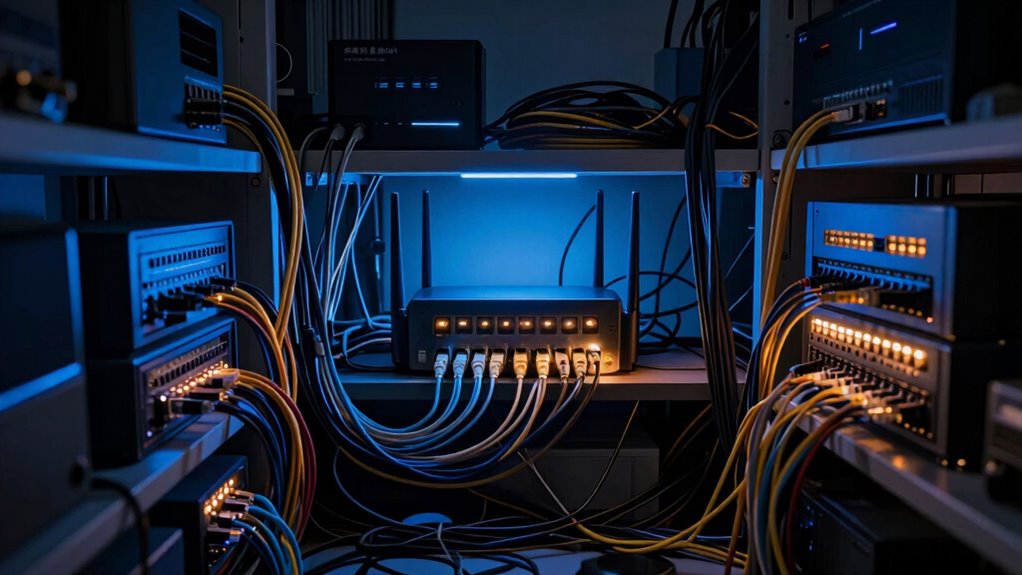

Wireless interference from electronic devices, neighboring Wi-Fi networks, and thick walls can quietly slow down your smart home devices without obvious signs. This interference causes data packets to get lost or delayed, leading to disconnections and sluggish responses. Multiple gadgets competing for bandwidth only make things worse. To improve reliability, you might need to optimize your setup, manage channels, or segment your network. Keep exploring to discover ways to fix these hidden issues for a smarter, faster home.

Turn the school run and nap time into listening time
- Thousands of audiobooks, podcasts and originals
- Listen on your phone, tablet or Echo — also offline
- Cancel anytime
Key Takeaways
- Wireless interference from electronic devices and thick walls disrupt smart home device connectivity and responsiveness.
- Network congestion caused by multiple devices sharing bandwidth slows down smart home performance.
- Lack of network segmentation allows interference and traffic to affect all devices equally, worsening slowdowns.
- Using outdated routers and single-band Wi-Fi increases interference and reduces smart device efficiency.
- Proper equipment upgrades and frequency management help isolate issues and improve overall smart home speed.
Have you ever wondered why your smart home devices sometimes stop responding or slow down unexpectedly? One common culprit is wireless interference, which can considerably disrupt your network’s performance. Wireless interference happens when signals from other electronic devices, neighboring Wi-Fi networks, or even thick walls interfere with your home’s Wi-Fi signals. This interference causes data packets to get lost or delayed, leading to sluggish device responses or total disconnections. It’s a sneaky problem because it can happen without you noticing, especially if your devices suddenly become unresponsive during busy hours or when multiple gadgets are competing for bandwidth.
Wireless interference can cause smart devices to slow down or disconnect unexpectedly.
To combat this, many experts recommend implementing network segmentation. This involves dividing your home network into smaller, separate segments, each dedicated to specific devices or functions. By isolating high-bandwidth devices like streaming services or gaming consoles from your smart home gadgets, you reduce the load on any single network segment. This way, if interference or congestion happens, it won’t affect all your devices at once. Network segmentation also helps contain problems; if one segment experiences issues, it doesn’t bring down the entire network. Understanding wireless interference sources can help you better manage your network environment to prevent these issues before they occur. Additionally, choosing the right network equipment can improve overall performance and reduce interference. Upgrading to modern routers with dual-band technology can also significantly decrease congestion and improve reliability.
Think of it as creating dedicated lanes on a highway. Instead of all traffic jamming into one lane, you split it up, so each type of traffic can flow smoothly. For instance, you might keep your security cameras and smart thermostats on one segment, while your laptops and smartphones operate on another. This setup minimizes wireless interference because each segment can use different Wi-Fi channels or even different frequency bands, such as 2.4 GHz and 5 GHz. The 5 GHz band, in particular, offers faster speeds and less interference, making it ideal for bandwidth-heavy smart home devices. Additionally, understanding wireless interference sources can help you better manage your network environment. It’s also important to regularly monitor your network to identify sources of interference and optimize your setup accordingly.
However, setting up network segmentation isn’t always straightforward. It requires a good understanding of your router’s capabilities and sometimes additional equipment like managed switches or additional access points. But in the long run, it’s a worthwhile investment to ensure your smart home runs smoothly. Additionally, understanding the wireless interference sources and how to mitigate them can significantly improve your network’s reliability. Not only does this reduce slowdowns caused by wireless interference, but it also enhances your overall network security by limiting access between segments. Once you understand the importance of wireless interference and network segmentation, you’ll be better equipped to troubleshoot and optimize your smart home’s network, ensuring it remains fast, reliable, and responsive.
As an affiliate, we earn on qualifying purchases.
Frequently Asked Questions
How Can I Identify Hidden Network Issues in My Smart Home?
To identify hidden network issues in your smart home, start by checking for wireless interference from other devices like microwaves or cordless phones that can disrupt your Wi-Fi. Monitor network congestion, especially during peak usage times, which slows down your devices. Use network analysis tools to spot weak signals or devices hogging bandwidth. This way, you can troubleshoot and optimize your network for better performance.
What Are the Signs of a Hidden Network Problem?
You might notice slow device responses, frequent disconnections, or buffering issues, indicating a hidden network problem. Network congestion can cause these symptoms, especially if multiple devices overload your Wi-Fi. Firmware conflicts between devices or routers may also lead to instability. Keep an eye out for inconsistent performance, and consider checking your network’s traffic and updating firmware to resolve these underlying issues and improve your smart home’s speed.
Do Hidden Network Problems Affect All Smart Devices Equally?
Hidden network problems don’t affect all smart devices equally; some suffer more than others. Network congestion and device interference can cause certain devices to lag or disconnect, turning your smart home into a digital nightmare. High-bandwidth gadgets like streaming devices and smart security cameras are especially vulnerable, while simpler sensors might barely notice the issue. You’ll find that your most critical devices are often the ones most disrupted by these invisible network troubles.
Can Hidden Network Issues Cause Security Vulnerabilities?
Hidden network issues can definitely cause security vulnerabilities. If your network encryption isn’t strong or your devices lack compatibility with security protocols, hackers can exploit these weaknesses. Slow or unstable connections might also prevent updates or security patches from installing properly. Ensuring your devices support current encryption standards and maintaining compatibility helps protect your smart home from potential threats caused by hidden network problems.
What Tools Are Best for Diagnosing Hidden Network Problems?
To diagnose hidden network problems, you should use tools like Wireshark or Fing. These tools help you detect network congestion by analyzing data traffic patterns and identify firmware conflicts that can slow down your devices. Running speed tests and checking device logs can also reveal issues. Regularly updating firmware and monitoring network activity guarantees you catch problems early, keeping your smart home running smoothly and securely.
Conclusion
Understanding the hidden network issues in your smart home is vital, as nearly 40% of users experience connectivity problems that hinder their devices’ performance. By recognizing these unseen obstacles, you can take proactive steps to optimize your network and guarantee seamless smart home operation. Don’t overlook the importance of proper setup and regular maintenance—doing so keeps your smart devices running smoothly and enhances your overall connected experience.
Halloween Picks
halloween
As an affiliate, we earn on qualifying purchases.