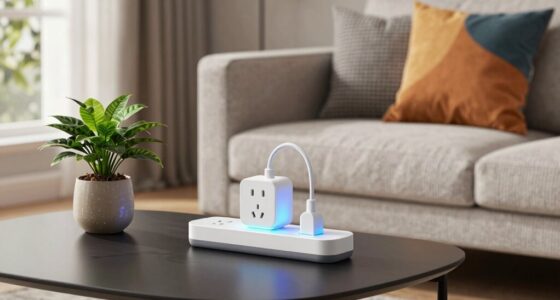

To keep your smart appliances useful when the internet goes down, make certain they have local control options like manual switches or buttons, and set up a smart hub or controller that operates offline. Use devices with Zigbee or Z-Wave mesh networks that don’t rely on the internet after setup. Keep manual controls accessible, maintain backup power sources for your network and devices, and consider systems with redundancy. Stay ahead with these tips to manage your smart home during outages.
Key Takeaways
- Choose devices with built-in offline control options and manual operation buttons.
- Configure smart hubs or controllers for local network operation, avoiding reliance on cloud services.
- Use mesh networks like Zigbee or Z-Wave that function without internet after setup.
- Maintain manual controls and physical access for essential functions during outages.
- Implement backup power supplies for Wi-Fi routers and critical devices to ensure local connectivity.
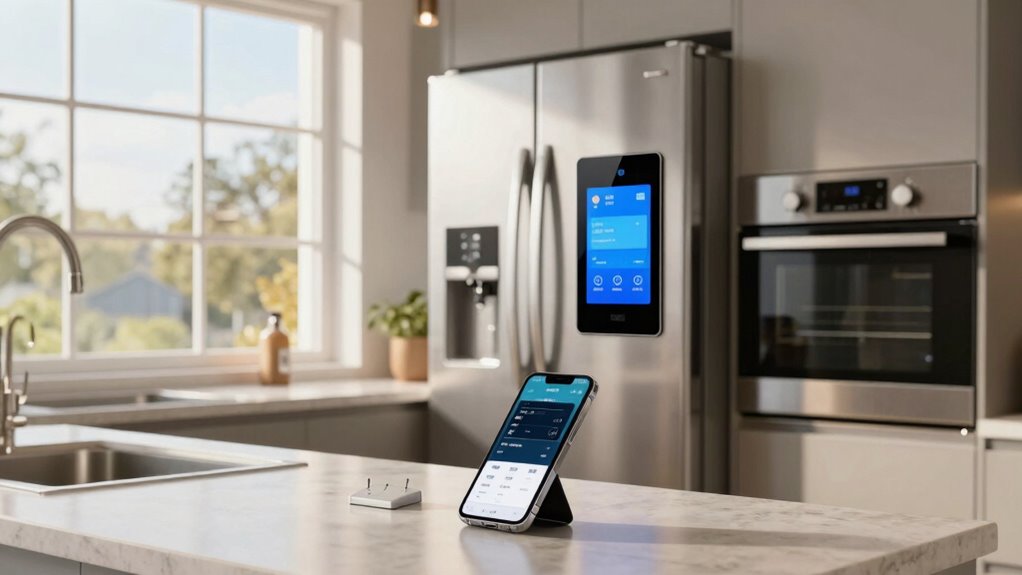
Smart appliances have become a staple in modern homes, but when the internet goes down, their usefulness can suddenly diminish. Many rely on cloud-based services to operate, control, and update their devices. However, you can still keep your smart appliances functional during internet outages by leveraging offline functionality and local control. These features are essential because they allow you to operate your devices without needing an internet connection, guaranteeing your smart home remains manageable even in disruptions.
First, check if your devices support offline functionality. Some smart appliances are designed with local control options, enabling you to manage them directly through your home’s local network rather than the cloud. This means you can still turn on your smart lights, adjust your thermostat, or operate your security system without internet access. Look into your device settings or user manuals to identify which features are accessible offline. If you prioritize local control, consider investing in devices that explicitly advertise this capability. These devices typically include a dedicated app or interface that connects directly to your home Wi-Fi network, bypassing the need for an external server.
Check if your smart devices support local control to operate them without internet access.
To optimize offline functionality, set up your devices properly. For instance, ensure your smart hub or controller is configured to work locally. Many smart home ecosystems, like Zigbee or Z-Wave, operate on mesh networks that don’t rely on the internet once set up. This setup allows your devices to communicate directly with each other within your home network. Additionally, update your devices’ firmware and apps beforehand, so they’re equipped with the latest offline features and security patches. This preparation minimizes disruptions during outages. Being aware of offline capabilities can help you plan your smart home setup more effectively. Furthermore, understanding the local network architecture is crucial to ensure seamless offline operation. Having a backup power source for your Wi-Fi router can also be beneficial during outages, maintaining connectivity for your local network. Maintaining a comprehensive smart home plan that accounts for potential disconnections can help you stay prepared and minimize inconvenience during outages. Investing in a uninterruptible power supply (UPS) can provide additional peace of mind during power or internet disruptions.
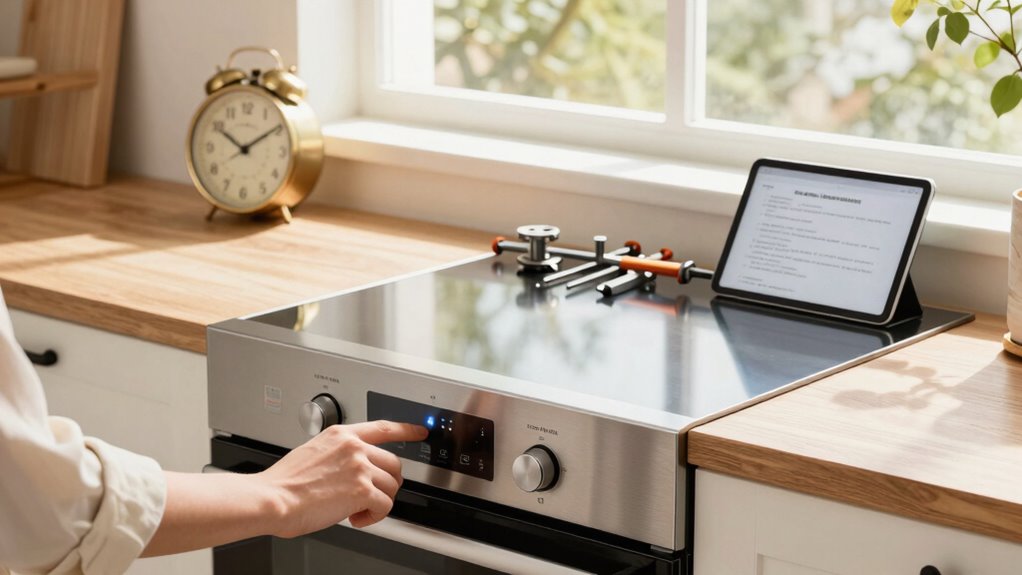
Another practical step is to familiarize yourself with manual controls. Many smart appliances have physical buttons or switches that allow basic operation without relying on digital commands. Keep these accessible and in good working condition. When the internet drops, you can still turn off the lights, adjust the temperature, or activate your security alarm manually, ensuring your home remains safe and comfortable. It’s also wise to keep a list of troubleshooting steps or quick reference guides handy, so you know how to operate your devices locally if needed.
Lastly, consider designing your smart home setup with redundancy. Use a mix of cloud-dependent and locally controlled devices. This way, if one system fails or loses internet, you have alternative ways to keep essential appliances running. By prioritizing offline functionality and local control, you ensure your smart home remains functional and convenient, even when internet service is temporarily interrupted. This approach not only boosts reliability but also enhances your overall control over your living environment.

Aeotec Smart Home Hub, Works as a SmartThings Hub, Z-Wave, Zigbee, Matter Gateway, Compatible with Alexa, Google Assistant, WiFi
- Device Compatibility: Supports Z-Wave, Zigbee, Matter, WiFi
- Smart Home Control: Links thousands of compatible devices
- Automation Capabilities: Create custom routines and automations
As an affiliate, we earn on qualifying purchases.
As an affiliate, we earn on qualifying purchases.
Frequently Asked Questions
Can Smart Appliances Operate Without an Internet Connection?
Smart appliances generally need an internet connection for features like voice control and remote access, but many can still operate offline for basic functions. For example, some smart thermostats allow manual adjustments without Wi-Fi, and voice commands might work locally if the device supports it. To guarantee continued use during outages, explore appliances with local control options, so you can manage essential functions without relying solely on internet connectivity.
What Backup Power Options Are Recommended for Smart Devices?
Picture your smart appliances humming smoothly, even when a storm darkens the sky. To keep this scene, invest in battery backups that provide instant power during outages, or use portable generators to sustain larger devices. These backup options guarantee your smart devices stay operational, maintaining comfort and security. With reliable power sources, you’ll confidently weather any power outage, keeping your smart home functioning seamlessly through any blackout.
Are There Offline Modes for Smart Home Apps?
Many smart home apps do offer offline modes, allowing you to control devices via voice control or local controls even when the internet is down. This helps maintain energy efficiency and convenience. You can still turn on lights, adjust thermostats, or activate other appliances using voice commands or local hubs. However, some advanced features may require an internet connection, so it’s good to check your app’s capabilities for offline control.
How Can I Update Smart Appliance Firmware Offline?
Did you know that over 60% of smart appliance users face firmware update challenges? To update firmware offline, you typically download the update files onto a USB drive or SD card from an internet-connected device. Then, insert the storage into your appliance to perform offline troubleshooting and firmware updates. Always consult your manufacturer’s instructions, as procedures vary, ensuring your smart appliance stays up-to-date even without internet access.
What Security Risks Exist When Using Offline Smart Appliances?
Using offline smart appliances can pose security risks like unauthorized access if data encryption isn’t properly implemented. Without internet, you might neglect updates that patch vulnerabilities, leaving your devices exposed. Additionally, physical access to the device could allow intruders to tamper with settings or steal data. To mitigate these risks, guarantee your appliances use strong encryption, restrict physical access, and regularly check for firmware updates when possible.
Conclusion
Even when the internet crashes, your smart appliances can still serve you well—if you know how to use them offline. Keep their manuals handy, and learn their basic functions without Wi-Fi. Think of your devices as hidden gems, waiting to shine even in a blackout. With a little preparation, you’ll be surprised how resilient and useful your appliances remain—proof that tech’s true power lies in your hands, not just the cloud!