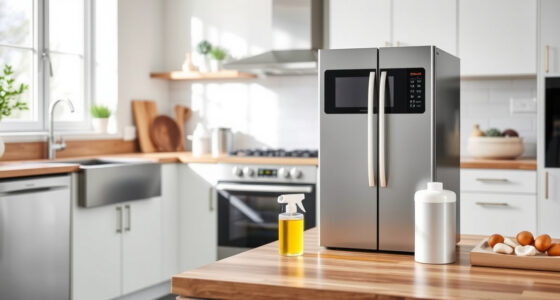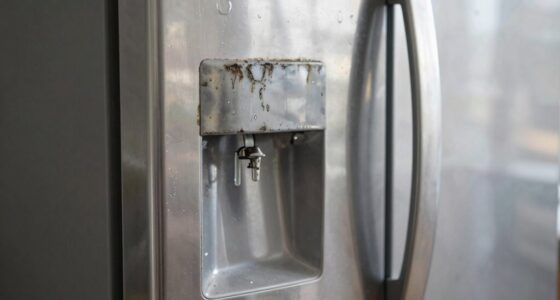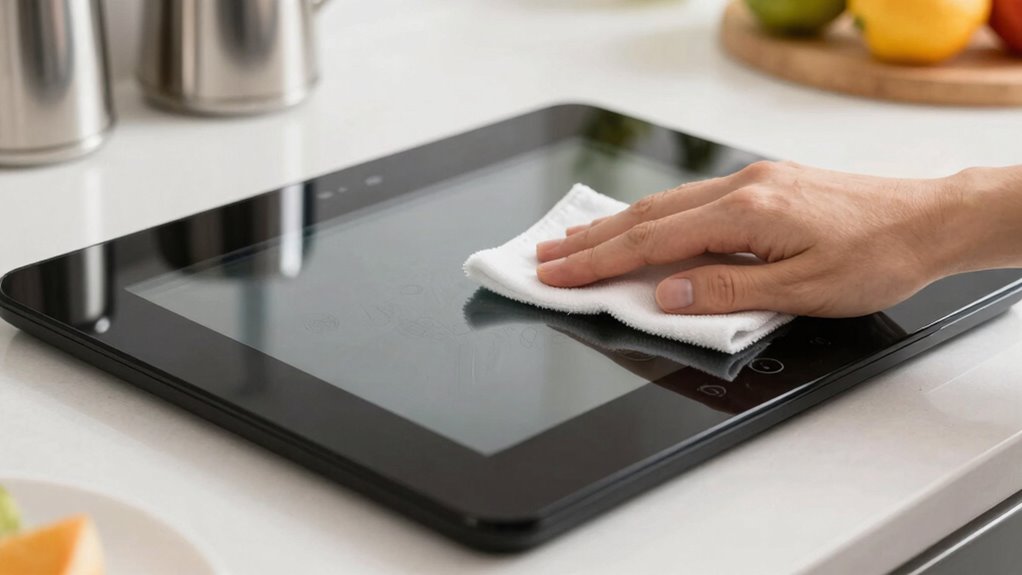

To keep your appliance touchscreens responsive and clean, regularly wipe the screen with a soft, lint-free cloth dampened with water or a specialized cleaner, avoiding harsh chemicals. Maintain good airflow in your environment to reduce dust and static buildup, and consider using a screen protector to prevent damage. If you notice responsiveness issues, clean the screen first, then try resetting or updating your device. For more tips on maintaining your touchscreen’s performance, keep exploring further.

Turn the school run and nap time into listening time
- Thousands of audiobooks, podcasts and originals
- Listen on your phone, tablet or Echo — also offline
- Cancel anytime
Key Takeaways
- Regularly clean the touchscreen with a soft, damp cloth to remove dirt and smudges, avoiding harsh chemicals.
- Keep the appliance in a well-ventilated area to prevent dust buildup and static accumulation.
- Use screen protectors to prevent scratches and dirt from affecting touch sensitivity.
- Perform software updates and calibration as recommended to maintain optimal responsiveness.
- Handle the device carefully to avoid physical damage that can impair touchscreen function.
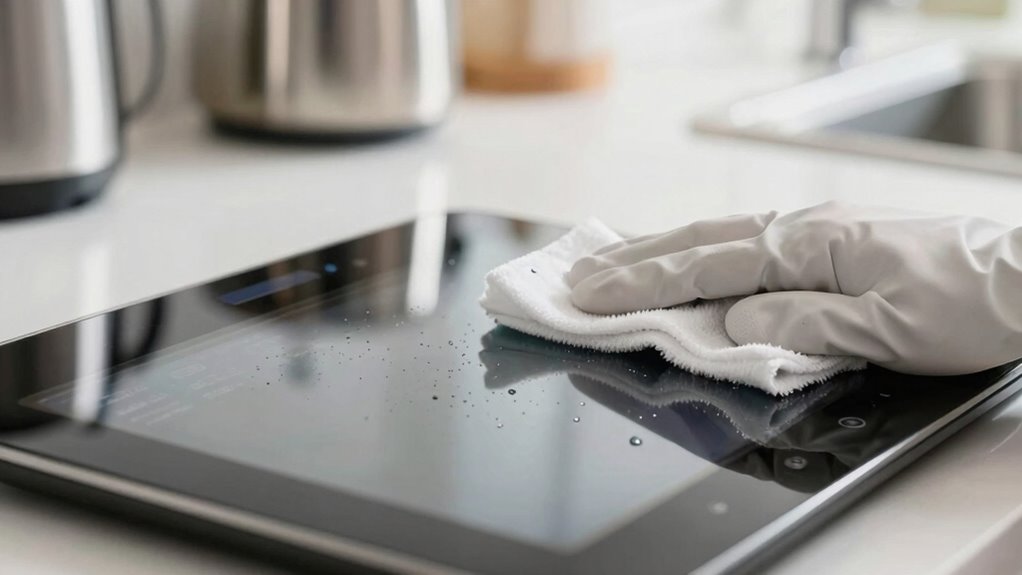
Touchscreens in appliances are designed to make your daily routines easier, but they can become unresponsive or dirty over time. Keeping them in top shape requires regular maintenance, similar to what you’d do for your smartphone. Just like with your phone, you want to guarantee the screen stays clean and protected to prevent issues with responsiveness. When it comes to smartphone maintenance, you probably already know the importance of gentle cleaning and using appropriate screen protectors, and these tips apply equally to your appliance screens.
Start by cleaning your touchscreen regularly with a soft, lint-free cloth. Avoid harsh chemicals or abrasive materials that could scratch the surface. Instead, dampen the cloth slightly with water or a specialized screen cleaner designed for electronics. Wipe gently to remove fingerprints, smudges, and dust that can interfere with touch sensitivity. For stubborn spots, a small amount of isopropyl alcohol diluted with water works well. Be careful not to get moisture into any openings or vents. Maintaining a clean screen helps assure responsiveness and prolongs the lifespan of the technology. Additionally, indoor air quality can impact the cleanliness of your environment, which in turn affects how often you need to clean your screens. Regular airflow and proper ventilation can reduce dust buildup and keep screens clearer longer. Proper environmental conditions can also help prevent the buildup of static that might attract more dust. A well-maintained environment can also extend the overall lifespan of your touchscreen devices.
Clean your touchscreen regularly with a soft cloth and specialized cleaner to maintain responsiveness and prevent damage.
In addition to cleaning, consider the role of screen protector options. Just as you’d shield your smartphone’s screen from scratches and cracks, applying a screen protector on your appliance’s touchscreen can provide a barrier against dirt, grease, and accidental damage. There are various types available, such as tempered glass or flexible film protectors, each offering different levels of durability and clarity. Installing a protector correctly guarantees it doesn’t interfere with touch sensitivity, keeping your device responsive. It also makes cleaning easier, as dirt and smudges tend to stick less to a protective layer compared to the bare surface. Proper installation and selecting the right type of protector can further enhance your device’s touch responsiveness and ease of maintenance.
If you notice your touchscreen becoming less responsive, check the cleanliness first. Sometimes, dirt or residue can cause unresponsiveness, and a simple wipe can restore functionality. If cleaning doesn’t help, you might need to reset the device or consult the manufacturer’s instructions. Regular updates or firmware upgrades can also improve responsiveness and fix bugs that cause touch issues. Keeping your device’s software current ensures optimal performance and helps prevent touchscreen issues from recurring. Additionally, understanding the importance of screen calibration can be a helpful step in maintaining accurate touch response over time.
As an affiliate, we earn on qualifying purchases.
Frequently Asked Questions
Can Using Screen Protectors Affect Touchscreen Sensitivity?
Using screen protectors can slightly affect touchscreen sensitivity, especially if they’re low-quality or thick. Proper screen protector installation is key—make sure it’s applied smoothly without bubbles, which can interfere with touch response. For maximum touchscreen sensitivity, follow touch screen sensitivity tips like choosing thin, high-quality protectors and cleaning your screen regularly. This way, you maintain responsiveness while protecting your appliance’s display from scratches and smudges.
How Often Should I Calibrate My Appliance Touchscreen?
You should calibrate your appliance touchscreen whenever you notice issues with touchscreen sensitivity or if the screen becomes unresponsive. Regular screen calibration helps maintain ideal functionality by adjusting for any drift or inaccuracies. Typically, doing this every few months or after software updates is sufficient. Keep an eye on how well the touchscreen reacts to your touch, and calibrate as needed to ensure smooth, accurate interactions.
Are There Specific Cleaning Products to Avoid?
Avoid using chemical cleaners and abrasive wipes on your appliance touchscreen. These products can damage the sensitive surface, causing scratches or degrading the touchscreen’s responsiveness over time. Instead, opt for a soft, lint-free cloth slightly dampened with water or a manufacturer-approved cleaning solution. You should also steer clear of harsh chemicals like ammonia or alcohol-based cleaners, as they can harm the screen’s coating. Regular gentle cleaning keeps your touchscreen responsive and in good condition.
What Should I Do if the Touchscreen Stops Responding?
Think of your touchscreen as a delicate dance partner—if it stops responding, don’t panic. First, try restarting the appliance, which can often fix minor glitches. Check for available software updates, as they can enhance responsiveness. If it still doesn’t work, consider hardware repairs or professional help. Regular cleaning and avoiding harsh chemicals also keep the touchscreen in step, preventing future communication breakdowns.
Does Temperature Impact Touchscreen Responsiveness?
Yes, temperature effects can impact your touchscreen’s responsiveness. Extreme heat or cold may cause the screen to become less responsive or even disrupt touchscreen calibration. To keep it working smoothly, avoid exposing your appliance to harsh temperatures. If you notice issues, try recalibrating the touchscreen after temperature fluctuations. Maintaining a stable environment helps guarantee your touchscreen remains responsive and accurate, preventing unnecessary frustration and prolonging its lifespan.
Conclusion
By regularly cleaning and gently maintaining your appliance touchscreens, you keep them as responsive as a well-tuned instrument. Think of your screen as the heart of your device — when kept clean, it beats smoothly, ensuring you get the best performance every time. Remember to use soft cloths and avoid harsh chemicals. With these simple steps, your touchscreens will stay pristine and responsive, making your daily tasks as effortless as a breeze on a sunny day.
Fall Picks
fall essentials
As an affiliate, we earn on qualifying purchases.