
Separating your smart home devices into different networks boosts security, performance, and manageability. It keeps vulnerable gadgets like security cameras, locks, and alarms isolated, reducing the risk of breaches spreading throughout your system. This setup also guarantees critical devices get priority bandwidth, preventing lag during busy times. Troubleshooting becomes easier since issues stay contained within specific segments. If you want to understand how this setup can make your smart home safer and more efficient, there’s more to discover below.
Key Takeaways
- Separating networks isolates vulnerable devices, reducing the risk of security breaches spreading across your smart home.
- Dedicated segments improve network performance by prioritizing critical devices and preventing bandwidth congestion.
- Segmentation simplifies troubleshooting by isolating issues within specific device groups.
- It enhances security by applying tailored protections for sensitive devices like cameras and alarms.
- Future-proofing through network segmentation supports easy addition of new devices without compromising overall security.
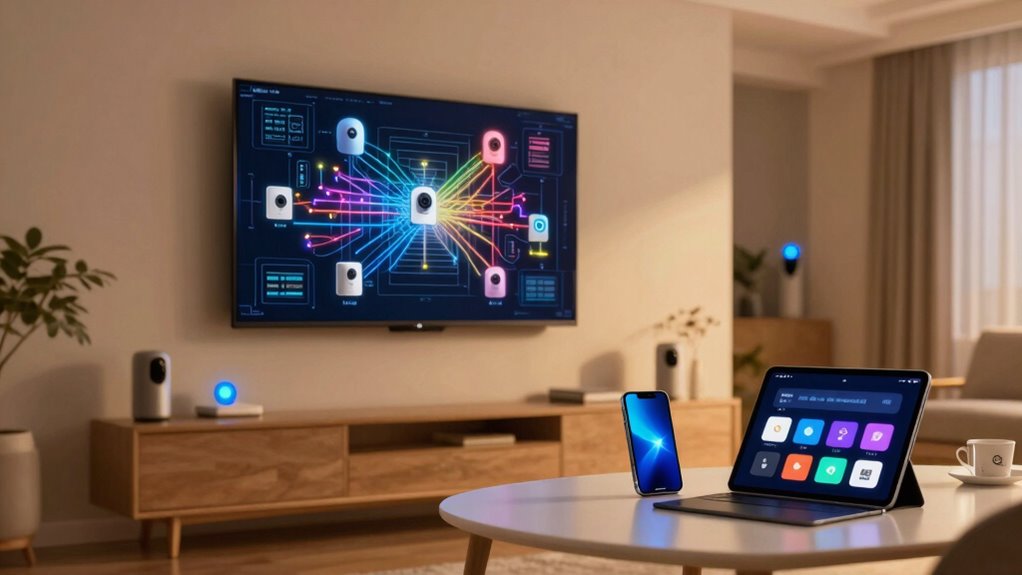
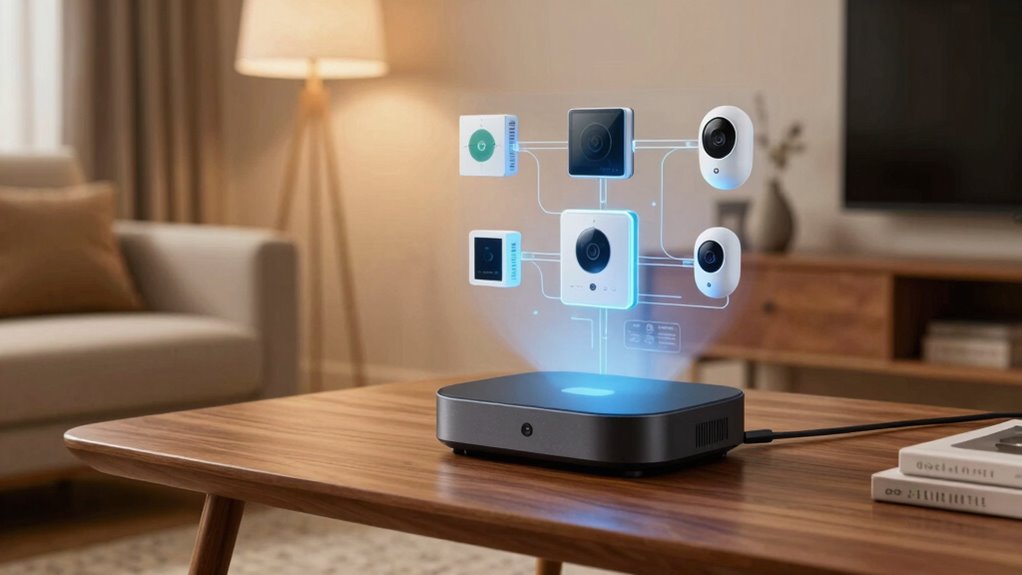
Smart home networks are transforming the way you live by seamlessly connecting devices to enhance convenience, security, and energy efficiency. But as your collection of smart gadgets grows, so does the complexity of managing them all on a single network. That’s where creating a separate smart home network becomes a strategic move. It allows you to implement device segmentation, which means dividing your network into smaller, dedicated segments for different types of devices. For example, you can keep your security cameras, smart locks, and alarms on one segment, while your streaming devices, smart lights, and thermostats occupy another. This setup not only keeps your devices organized but also improves overall network security by isolating sensitive devices from potential threats. If one device gets compromised, the breach remains contained, protecting your entire network.
Network prioritization is another crucial benefit of having a separate smart home network. With a dedicated network, you can assign priority levels to critical devices, ensuring they always get the bandwidth they need. For instance, your security cameras and smart locks are essential for safety, so you want them to operate smoothly without lag. By prioritizing these devices, you prevent other less urgent devices from hogging bandwidth, which could cause delays or interruptions. This is especially helpful during peak usage times when your network might be congested. It also simplifies troubleshooting because you can quickly identify issues within a specific network segment without affecting your entire setup. If your smart thermostat isn’t responding, you know to check that segment first, rather than sifting through all your devices. Additionally, understanding narcissistic behavior can help you recognize potential security risks that stem from overconfidence or a lack of awareness about vulnerabilities in your network setup. Recognizing network vulnerabilities is essential for maintaining a secure and resilient smart home environment. Moreover, implementing these strategies can help prevent unauthorized access, which is a common security concern with interconnected devices. A dedicated network also allows for the application of network security protocols, further strengthening your defenses against cyber threats.
Furthermore, establishing a separate network can assist in managing device compatibility issues, ensuring that different gadgets work smoothly without causing conflicts or interference. Additionally, a separate network helps optimize your overall home network performance. Without the interference of streaming, gaming, or downloading activities, your smart devices can operate more reliably. You avoid the frustration of laggy video feeds or unresponsive smart locks caused by bandwidth competition. Setting up device segmentation and network prioritization requires some initial effort, but it pays off by making your smart home more secure, efficient, and reliable. It’s a way to future-proof your setup as your smart device collection expands, giving you greater control over how your network functions. When you keep your smart devices on a dedicated network, you’re better equipped to handle security threats, prioritize essential functions, and enjoy a seamless, hassle-free smart home experience.
As an affiliate, we earn on qualifying purchases.
Frequently Asked Questions
How Do I Set up a Separate Smart Home Network?
You can set up a separate smart home network by creating device segmentation and ensuring network isolation. Start by assigning your smart devices to a dedicated Wi-Fi network through your router’s settings. Enable guest or separate network options, which isolates these devices from your main network. This way, you protect your primary devices while maintaining easy access to your smart home tech, enhancing both security and performance.
Can I Use Existing Routers for a Separate Smart Home Network?
Yes, you can use existing routers to create a separate smart home network. You’ll want to enable device isolation and network segmentation to keep your smart devices separate from your main network. By configuring your router’s guest network or setting up a VLAN, you guarantee smart devices are isolated, reducing security risks. This setup helps protect your primary devices while maintaining control and accessibility over your smart home gadgets.
What Are the Costs Involved in Creating a Separate Network?
They say “you get what you pay for,” and that’s true for creating a separate network. Costs involve network segmentation devices like routers or firewalls, plus potential upgrades to existing equipment. A thorough cost analysis helps you weigh expenses against security benefits. Expect to spend on hardware, setup, and maintenance, but remember, investing in security often pays off by protecting your smart home from vulnerabilities.
How Does a Separate Network Improve Security for Smart Devices?
A separate network enhances your smart device security through network segmentation and data isolation. By isolating your smart devices from your main network, you prevent potential breaches from spreading. This segmentation limits hackers’ access, even if a device gets compromised. Data isolation ensures sensitive information stays protected, reducing risks. Overall, creating a dedicated network functions as a barrier, safeguarding your personal data and minimizing vulnerabilities across your smart home ecosystem.
Are There Compatibility Issues With Different Smart Home Products?
Managing the smart home ecosystem can feel like juggling fragile glass balls—interoperability challenges might cause devices to slip or clash. While most smart devices aim for seamless device integration, compatibility issues still surface, especially with older gadgets or unfamiliar brands. You may need to update firmware or employ bridges and hubs to smooth out the wrinkles. Patience and research help you create a harmonious, interconnected smart living space.
Conclusion
By now, you see why separating your smart home network is smart. It keeps your personal data safe and prevents hackers from gaining access through less secure devices. Imagine your devices as different rooms in a house—would you leave the front door open to everyone? Creating a dedicated network for your smart devices is like installing a secure door. Isn’t protecting your digital home worth the extra step?