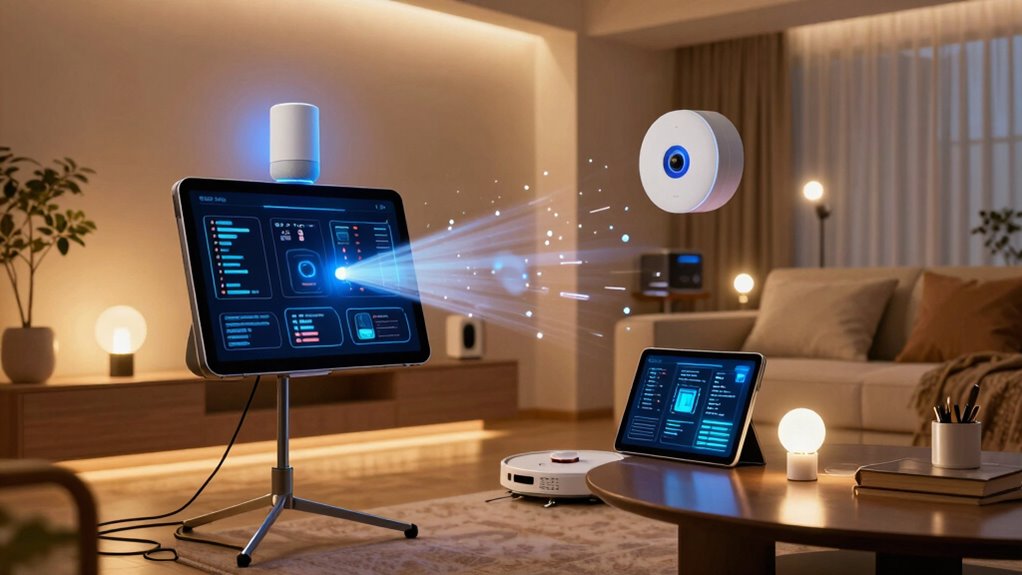

If your smart home feels annoying because too many automations fire at once, it’s often caused by overlapping commands and triggers happening simultaneously. This can lead to lights flickering, devices malfunctioning, or unpredictable responses. To fix this, you should streamline your automations, set priorities, and stagger triggers to prevent conflicts. Managing your system more thoughtfully will create a more stable and enjoyable experience. Keep exploring to find ways to keep things running smoothly.

Turn the school run and nap time into listening time
- Thousands of audiobooks, podcasts and originals
- Listen on your phone, tablet or Echo — also offline
- Cancel anytime
Key Takeaways
- Overlapping automations can cause system chaos, leading to unpredictable device behavior and frustration.
- Stagger automation triggers and set priorities to prevent multiple automations from firing simultaneously.
- Regularly review and disable redundant automations to reduce system overload and improve stability.
- Use conditional statements and specific timing to control when automations activate.
- Limit complex or grouped actions in a single automation to avoid overwhelming the system.
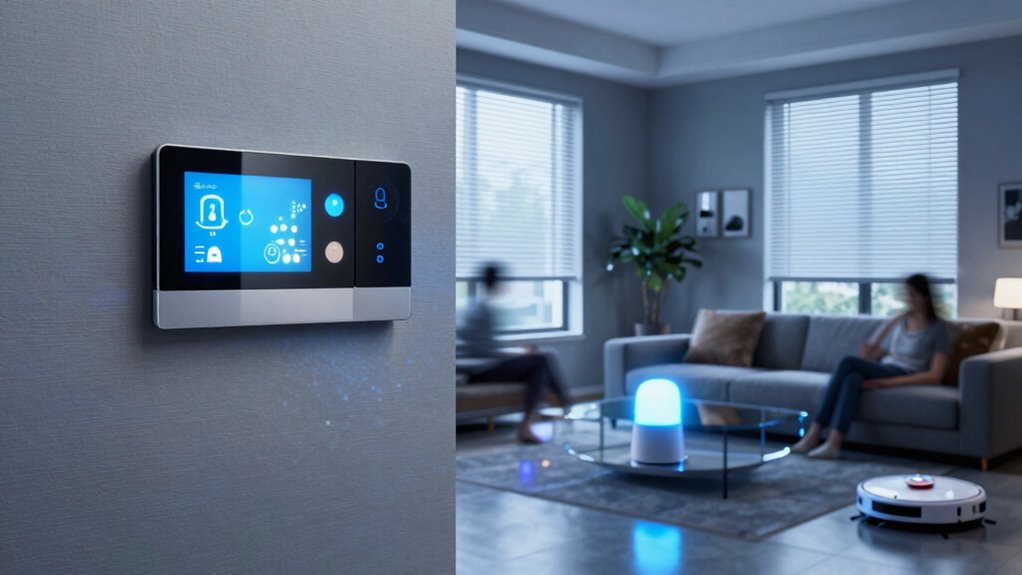
If your smart home suddenly feels overwhelming, it’s probably because too many automations are triggering simultaneously. You might notice lights flickering, thermostats shifting unexpectedly, or even devices turning on and off at the same time. This chaos happens when your system isn’t properly coordinated, leading to issues like voice command conflicts and device overload. When automations clash or happen all at once, it can turn your smart home from a helpful tool into a source of frustration.
Voice command conflicts are a common culprit. Imagine telling your smart speaker to turn off the living room lights, only for another automation to turn them back on moments later. These conflicts occur when multiple automations or voice commands try to control the same device simultaneously. The system can’t decide which instruction to follow, causing unpredictable behavior. To fix this, you need to streamline your automations and set priorities. Avoid creating overlapping commands that target the same device or scene. Instead, specify conditions or times when certain automations are active, reducing the chances of conflict.
Device overload is another major issue. When too many automations trigger at once, your devices can become overwhelmed, especially if they’re not designed to handle rapid, simultaneous commands. This overload can slow down your entire system or cause devices to malfunction. For example, if your smart lights, thermostats, and blinds all respond to a single automation, the strain can cause delays or failures. To prevent this, limit the number of automations that run concurrently and stagger their triggers. Break down complex automations into smaller, more manageable steps, and avoid grouping too many actions together in one automation. Additionally, understanding the capabilities and limitations of your smart home devices can help you design automations that are more reliable and less prone to overload. Regularly reviewing your automation settings and adjusting them based on device performance can also improve overall stability. Being aware of your system’s processing capacity can prevent overloading and ensure smooth operation.
It’s also important to review your automation settings regularly. Remove or disable any automations that are redundant or rarely used. Use conditional statements to control when automations run, making sure they don’t all activate at once. If your system supports it, set priorities or use automation rules that prevent conflicts. Many smart home platforms allow you to see a timeline of automation triggers, so you can identify patterns or conflicts that need addressing. Regularly assessing your automations can help you maintain an organized and efficient smart home. Also, being aware of the system’s processing capacity can help you avoid overloading it with too many simultaneous commands. Making these adjustments ensures your system remains responsive and enjoyable to use.
smart home automation conflict resolver
As an affiliate, we earn on qualifying purchases.
As an affiliate, we earn on qualifying purchases.
Frequently Asked Questions
How Can I Identify Which Automations Are Causing the Problem?
To identify which automations cause the problem, start by reviewing your automation logs or history in your smart home app. Look for automation overlap, where multiple automations trigger simultaneously, and check device dependencies to see if one device’s activity triggers others unexpectedly. Temporarily disable automations one by one to observe changes. This process helps pinpoint problematic automations and prevents unnecessary overlaps, improving your smart home’s performance.
Is There a Way to Prioritize Automations to Run Smoothly?
Yes, you can prioritize automations by organizing them within your smart home system, often through custom routines or scene settings. Don’t fall for automation myths that all automations should run simultaneously; instead, set priorities based on device compatibility and urgency. This way, you guarantee essential automations fire first, reducing chaos and making your smart home run smoothly without overwhelming your devices or creating conflicts.
Can I Set Limits on the Number of Automations That Trigger Simultaneously?
Imagine catching a glitch in your smart home — that’s automation conflicts happening. Yes, you can set limits on how many automations trigger simultaneously through trigger management. Most smart home platforms let you prioritize certain automations or add delays to prevent overload. This way, you avoid chaos and keep your system running smoothly. Managing triggers guarantees your automations work harmoniously, giving you a more seamless and less annoying smart home experience.
What Are the Best Practices for Managing Multiple Automations?
To manage multiple automations effectively, prioritize voice command optimization to prevent overlaps and confusion. Schedule automations during different times or set conditions to avoid firing all at once. Guarantee device compatibility so automations work smoothly together. Limit the number of automations triggered simultaneously, and test them regularly. This approach helps reduce clutter, improves reliability, and creates a more seamless smart home experience tailored to your needs.
How Do I Troubleshoot Automations That Conflict With Each Other?
To troubleshoot automation conflicts, start by reviewing your device integration settings to guarantee they’re correctly configured. Check if automations are triggering simultaneously or conflicting commands, causing devices to behave unexpectedly. Disable or adjust overlapping automations one at a time to identify the source of the conflict. Updating firmware and software can also resolve compatibility issues. By systematically testing and refining your automations, you can restore smooth device operation and prevent conflicts.
Conclusion
Imagine your smart home as a symphony, each automation playing its part. But when too many strike a chord at once, it becomes chaos. By tuning your automations—synchronizing them thoughtfully—you regain harmony and peace. Don’t let your smart home drown in noise; instead, craft a melody that feels effortless and soothing. After all, a well-orchestrated home isn’t just smart—it’s a sanctuary you’ll love coming home to.
Cold & flu season Picks
humidifiers
As an affiliate, we earn on qualifying purchases.